OUR SERVICES

Native iOS Development in Swift & SwiftUI

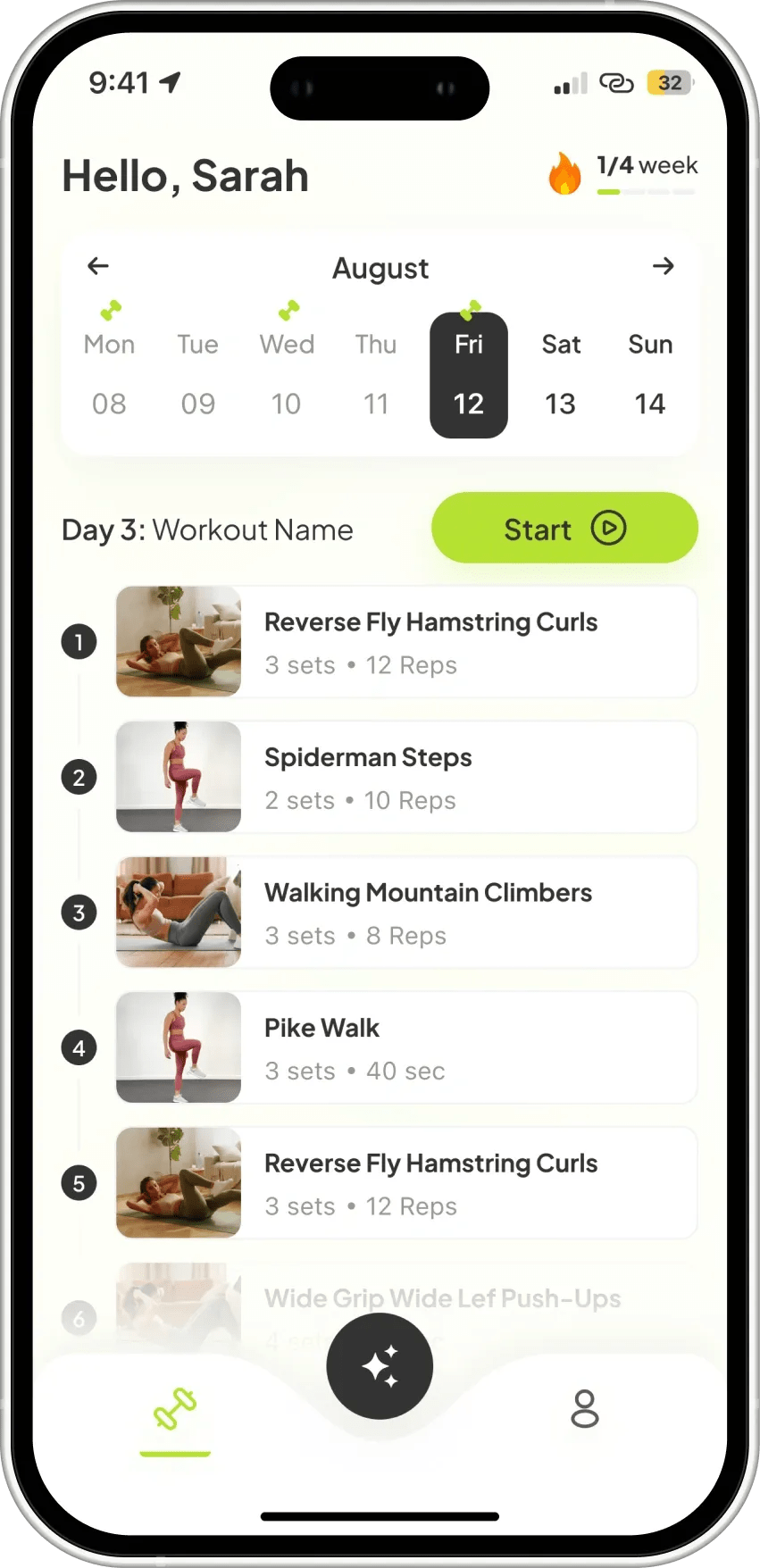
We build native iOS applications in Swift and SwiftUI that leverage the full depth of Apple's platform. From App Store launch to App Clips and WidgetKit extensions, our iOS engineers ship polished, performant apps that users rate five stars.

Next step: get your project scoped

Tell us what you are building - what exists today, what it has to do and when it has to be live. We come back with the questions we need answered and a scoped estimate instead of a range.

Describe your project

EXPERTISE

Our Tech Stack

Swift
SwiftUI
Combine
Core Data
XCTest
Fastlane

OUR APPROACH

Flexible Engagement Models

Choose the cooperation format that best fits your business goals and development velocity.

Startups

MVP Development

Fast launch to test your idea and gather user feedback with minimal investment.

What's included

  • Core feature development
  • Basic UI/UX design
  • Stable performance

Timeline Typically 9-16 weeks

Businesses

Full App Build

Complete cycle from initial strategy and design to final launch.

What's included

  • Custom architecture & design
  • Seamless team integration
  • Production-ready release

Timeline Typically 20-40 weeks

Enterprises

Team Extension

Scale your team with expert developers to accelerate development.

What's included

  • Senior-level developers
  • Seamless team integration
  • Flexible management

Timeline Flexible / Long-term

OUR PROCESS

How We Work

We specialize in creating user-centered & innovative solutions. Delivering seamless digital experiences.

Discovery
ResearchFlow MapUser Interview
Solution
ArchitectureWireframesPrototyping
Development
Sprint CyclesCode ReviewQA Testing
Launch
DeploymentMonitoringHandoff

EXPERT INSIGHTS

Why SwiftUI for Modern iOS Development?

Apple's declarative UI framework is the future of the platform - it unlocks widgets, watchOS, visionOS, and macOS from a single codebase.

Go With SwiftUI

  • Declarative, reactive UI

    Describe what the UI should look like - SwiftUI handles state-driven updates automatically.

  • Cross-Apple-platform

    Shared SwiftUI views run on iOS, macOS, watchOS, tvOS, and visionOS with minimal changes.

  • Faster iteration

    Live previews in Xcode let you see UI changes in real time without running the simulator.

  • First-class Apple APIs

    Widgets, App Clips, Live Activities, and Shortcuts are all SwiftUI-first features.

Go With UIKit

  • Battle-tested maturity

    Over 15 years of production apps and community solutions for every edge case.

  • Full control

    Imperative model gives precise control over layout, transitions, and touch handling.

  • Third-party library support

    Virtually every iOS library is UIKit-compatible.

  • Complex custom views

    CoreAnimation and manual drawing give pixel-level control for advanced graphics.

EXPERT GUIDANCE

SwiftUI vs UIKit

SwiftUI

UI Paradigm

Declarative - state drives the view automatically.

Development Speed

Faster - live previews, less boilerplate code.

Platform Reach

iOS, macOS, watchOS, tvOS, visionOS from one codebase.

Minimum iOS Version

iOS 14+ for most features; iOS 16+ for full feature set.

Animations

Built-in spring animations; withAnimation block syntax.

Best For

New apps targeting iOS 15+, multi-platform Apple ecosystems.

UIKit

UI Paradigm

Imperative - manually update views on state changes.

Development Speed

Slower - IBOutlets, Auto Layout constraints, delegate patterns.

Platform Reach

Primarily iOS/iPadOS; separate AppKit code for macOS.

Minimum iOS Version

iOS 12+ - broader device support for legacy audiences.

Animations

UIKit animations and CoreAnimation - more granular control.

Best For

Legacy codebases, apps needing deep UIKit customisation.

DELIVERABLES

What You Get

Native iOS Application

Native iOS Application

Production Swift/SwiftUI app targeting iPhone and iPad, built to Apple Human Interface Guidelines.

SwiftUI Component Kit

SwiftUI Component Kit

Reusable, previewed SwiftUI components that form a consistent design system across the app.

Core Data / CloudKit

Core Data / CloudKit

Local persistence with Core Data and optional iCloud sync via CloudKit for seamless multi-device experience.

Platform Extensions

Platform Extensions

WidgetKit home screen widgets, App Clips, Siri Intents, or Notification Content extensions as needed.

TestFlight Beta

TestFlight Beta

Fastlane-automated TestFlight distribution with staged rollouts and crash reporting via Crashlytics.

App Store Submission

App Store Submission

Full App Store Connect setup including App Privacy details, age rating, and phased release configuration.

INDUSTRIES

Tailored Solutions for Your Specific Industry

We build powerful digital experiences across various sectors, ensuring your product meets unique market demands.

(01)

Fintech

Data-driven commerce solutions that improve journeys, boost sales, and optimize operations.

(02)

Retail

Data-driven commerce solutions that improve journeys, increase sales, and optimize operations.

(03)

Healthcare

Reliable medical platforms that protect patient data, simplify workflows, and support clinical accuracy.

(04)

B2B SaaS

Product-driven platforms that enhance workflows, automate processes, and scale with your business.

CASE STUDIES

Our Recent Work

View All

START YOUR PROJECT

Ready to build with expert iOS Development team?

Expert developers ready to deliver high-quality digital products.

FAQ

Frequently Asked Questions

Native iOS is the right choice when you need deep Apple platform integration - ARKit, HealthKit, Core ML, CarPlay, or complex custom animations using Metal. It's also preferred when your product is iOS-only and development budget can be focused on a single platform. For most apps targeting both iOS and Android, React Native or Flutter deliver equivalent results at lower cost.

All new development is written in Swift and SwiftUI. We maintain or migrate Objective-C legacy codebases when necessary, using Swift bridging headers to interoperate. Objective-C is rarely justified for new projects today.

UIKit is the imperative framework Apple shipped in 2008 - views are configured in code or XIBs and state changes are applied manually. SwiftUI is the declarative successor introduced in 2019 - views are a function of state, and the framework handles diffing and updates. We default to SwiftUI for new apps and use UIKit where SwiftUI lacks API coverage (e.g., complex collection view layouts).

Yes. We build watchOS companion apps using WatchKit and SwiftUI, tvOS apps for Apple TV, and visionOS apps for Apple Vision Pro. Each platform has its own HIG conventions and APIs that we follow closely.

For local persistence we use Core Data (relational) or SwiftData (Swift-native, iOS 17+). For iCloud sync we use CloudKit directly or NSPersistentCloudKitContainer for automatic Core Data replication across devices. For offline-first with a custom backend we use background URLSession and a sync engine we build per project.

We follow Apple's App Store Review Guidelines from day one - privacy manifests, required reason APIs, IDFA compliance, and age rating accuracy. We perform a pre-submission checklist review and submit with a detailed reviewer note where the app has complex flows. Our approval rate on first submission is above 95%.

We write XCTest unit tests for business logic and service layers, XCUITest integration tests for critical user flows, and snapshot tests (swift-snapshot-testing) for UI regression. Tests run on GitHub Actions using a macOS runner with multiple iOS simulator versions.

Yes. We build WidgetKit home and lock-screen widgets with SwiftUI, App Clips for instant-access web-to-app flows, Share Extensions, Keyboard Extensions, and Notification Content Extensions. Each extension is a separate target we add to the project.

We typically target the last two major iOS versions (iOS 17 and 18 as of 2025), which covers over 95% of active devices per Apple's published data. Supporting older versions extends QA surface and limits use of modern APIs - we advise on the trade-off during discovery.

Yes. We perform a structured code audit covering architecture, dependency health, test coverage, and App Store compliance before taking over. We provide a written findings report and prioritized remediation plan. Swift package updates and Xcode version upgrades are handled as part of onboarding.

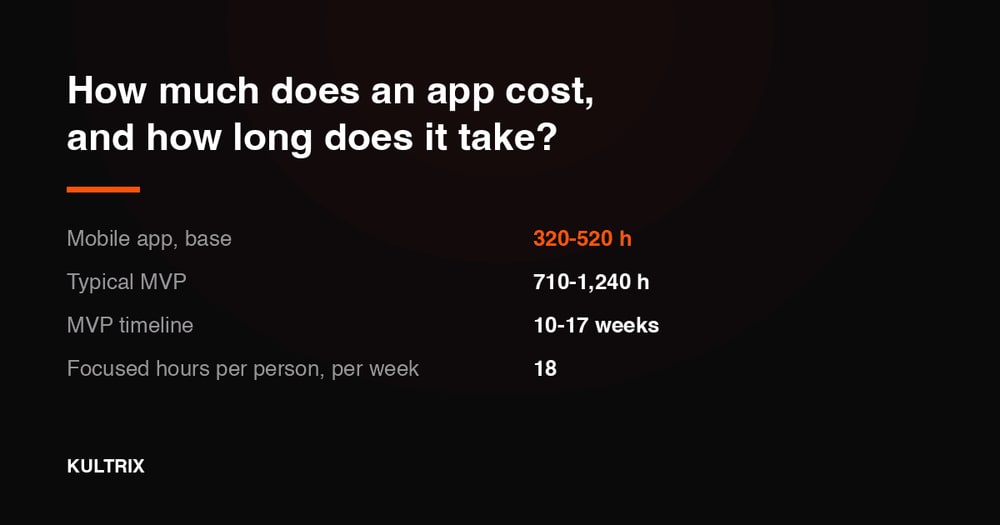
An iOS MVP takes 6-10 weeks. A full consumer app takes 3-6 months. Apps with complex hardware integrations, custom Core ML models, or multiple extensions take longer. Discovery and scoping are included in our kickoff process.

An iOS MVP with accounts, payments, a content layer and an admin panel is 800-1,410 hours, or $24,000-$43,000 at our rate card. Add the third-party systems you already pay for and it is 890-1,640 hours, or $27,000-$50,000. A full consumer app with chat, real-time and offline sync is 1,240-2,310 hours, or $38,000-$70,000. Because iOS is a single platform, it costs less than a build that has to ship Android too. Price your own module set at kultrix.com/cost-calculator.